🐧 Linux untuk Dell Latitude D430 (2GB RAM): 5 Rekomendasi Ringan & Cara Atasi Wi-Fi
💻 Sobat Linux! Punya Dell Latitude D430 dengan prosesor Core Duo 1.33 GHz dan RAM 2 GB? Jangan buru-buru dikasih ke tukang rongsok. Laptop ini sebenarnya masih bisa diajak kerja, asal dipasangkan dengan distro Linux yang tepat. Lubuntu versi sekarang mungkin udah berat, tapi tenang, masih banyak alternatif ringan. Di artikel ini kita bahas tuntas pakai pendekatan 5W+1H: distro apa yang cocok, kenapa, gimana cara install driver Wi-Fi, dan tips optimasinya. Santai saja, semua dijelasin step-by-step.
1. Apa Saja Distro Linux Ringan untuk Dell Latitude D430?
What (Apa): Distro Linux yang didesain khusus buat komputer lawas dengan spesifikasi minim. Laptop ini punya RAM 2 GB, jadi butuh yang pemakaian memorinya di bawah 500 MB saat idle.
Why (Kenapa): Supaya laptop tidak lemot, bisa dipakai browsing, ngetik, atau belajar coding tanpa lag.
Who (Siapa): Cocok buat pelajar, mahasiswa, atau siapapun yang punya laptop tua dan mau hidupin lagi.
Where (Di mana): Bisa diinstall di hard disk atau flashdisk.
When (Kapan): Kapan aja, terutama kalau OS sekarang udah berat banget.
How (Bagaimana): Pilih distro, buat bootable USB, install, dan atur driver-nya.
Best Linux Distros for a Dell Latitude D430 (2 GB RAM)
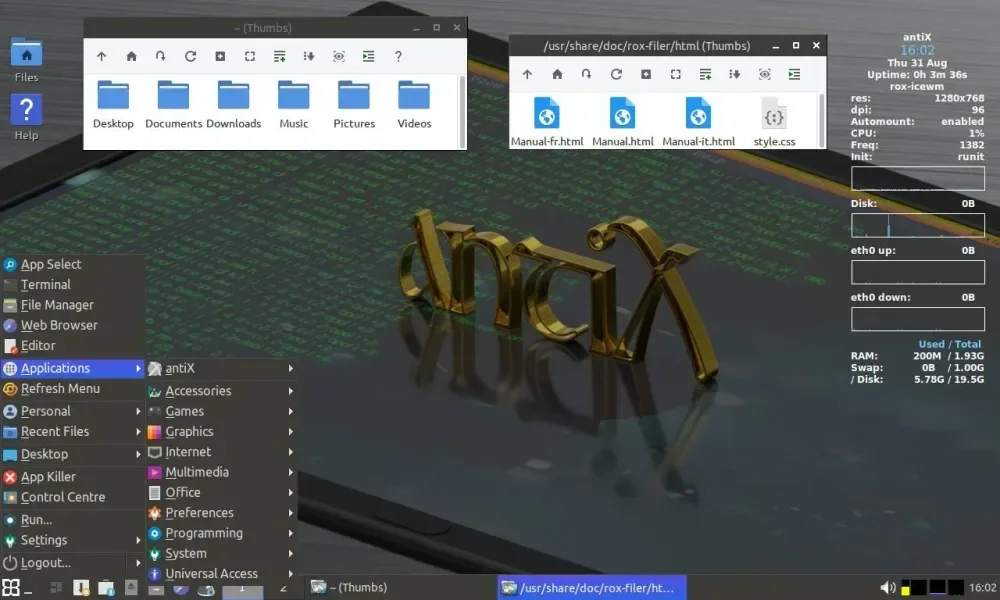
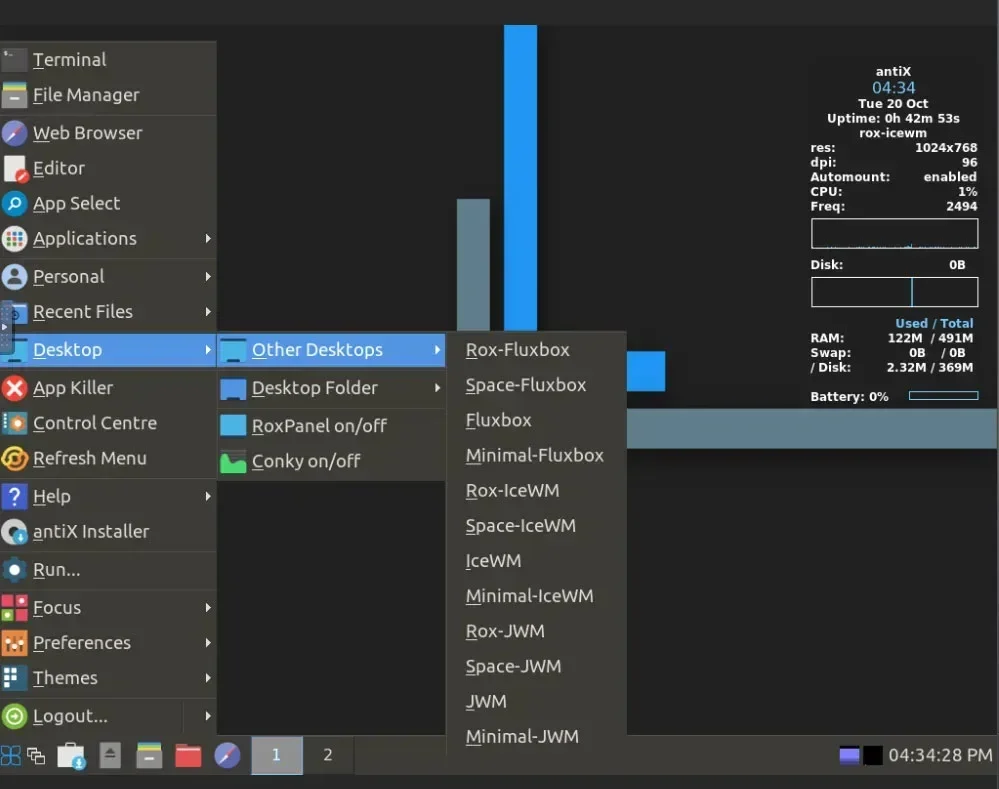
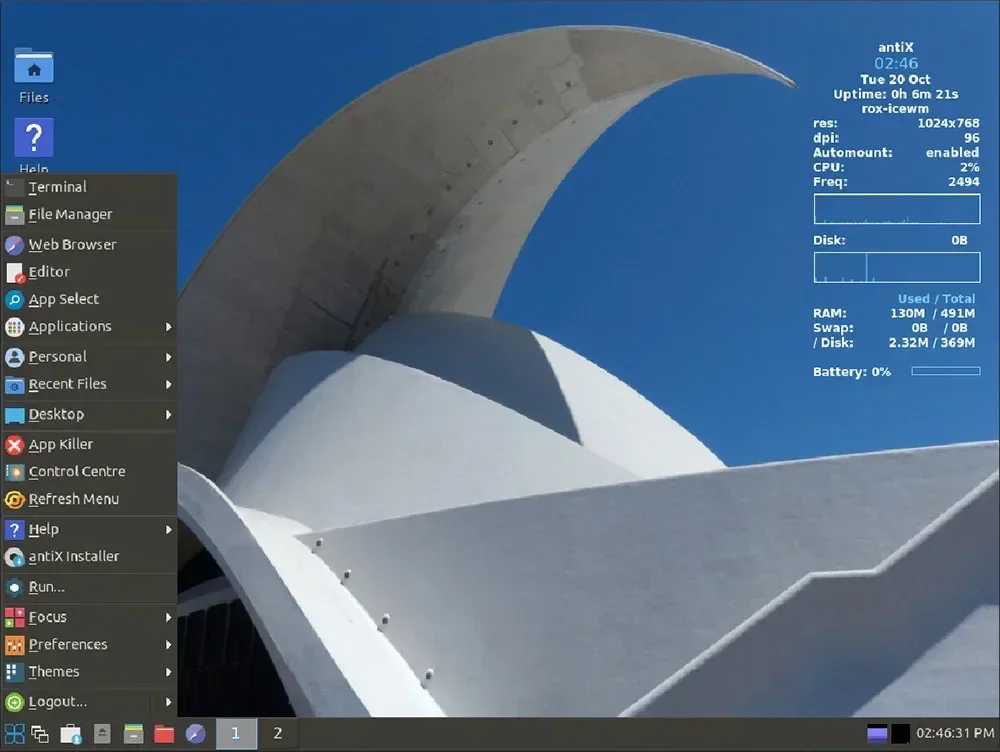
AntiX Linux (Best Overall Choice)
Why it’s great for your laptop
- Designed for very old computers
- Runs well with 256 MB–1 GB RAM
- Extremely fast
- Includes useful tools for hardware detection
Typical RAM usage
- ~120–200 MB
Pros
- Fast boot
- Works well on older Intel CPUs
- Good hardware compatibility
Cons
- Interface looks simple/old-school
- Not as beginner-polished as Ubuntu
Download: https://antixlinux.com
👉 This is the distro most people recommend for old ThinkPads and Latitudes.
MX Linux (AntiX + Debian Hybrid)
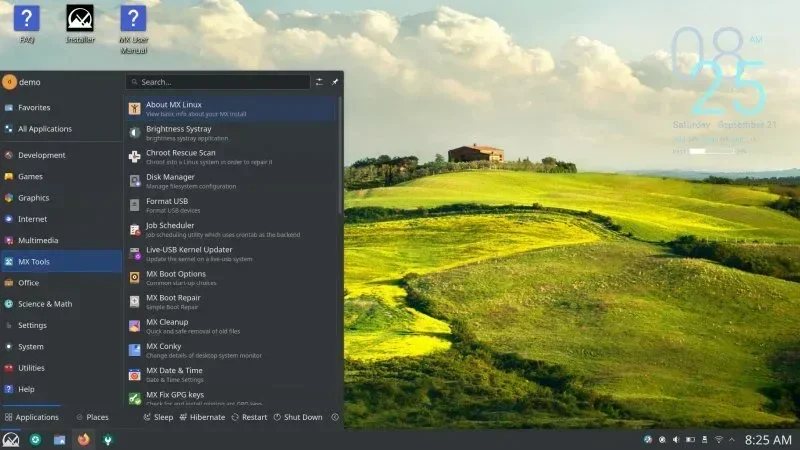
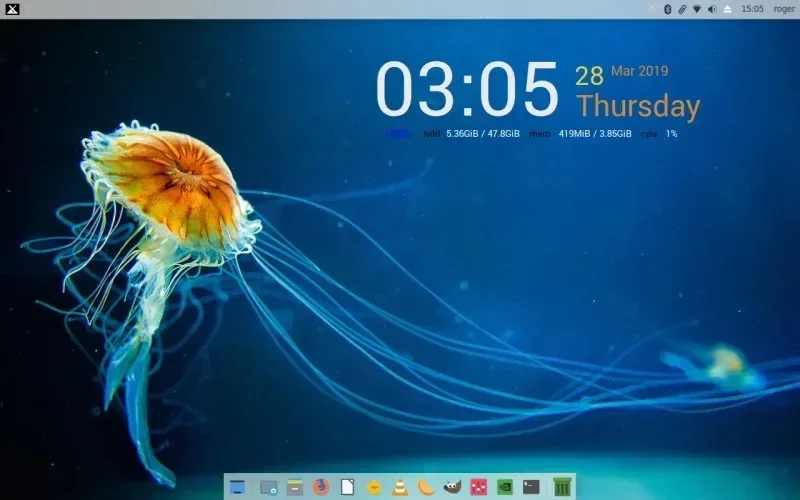
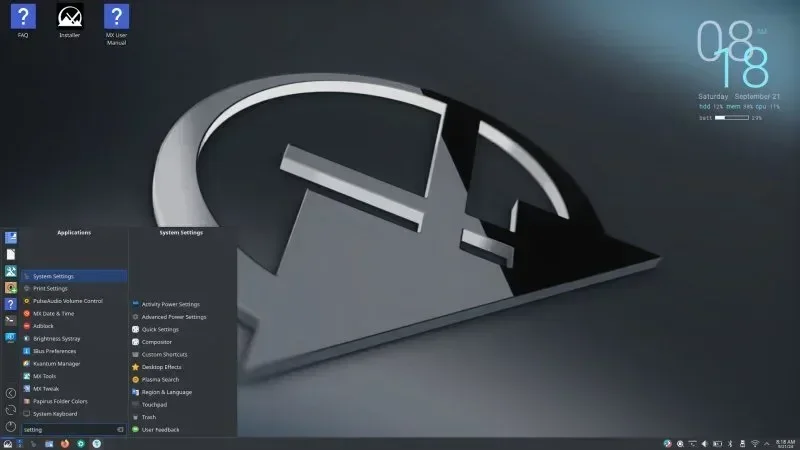
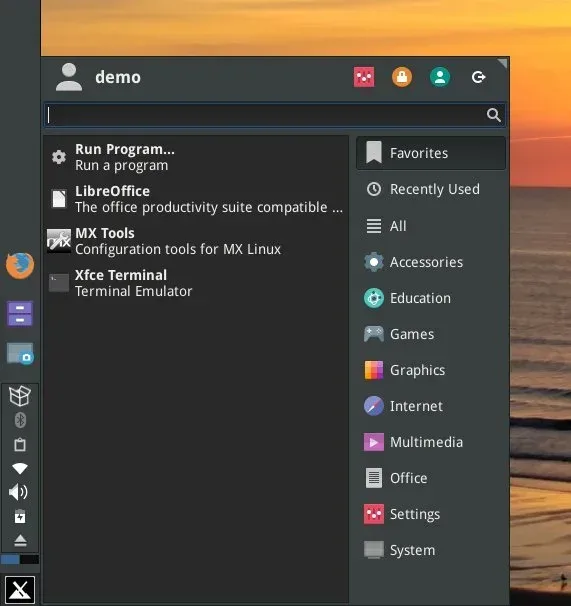
MX Linux is based on Debian + AntiX technology but with a friendlier desktop.
RAM usage
- ~350–500 MB
Pros
- Very stable
- Great tools (MX Tools)
- Easy for beginners
Cons
- Slightly heavier than AntiX
Download: https://mxlinux.org
Puppy Linux (Fastest Option)
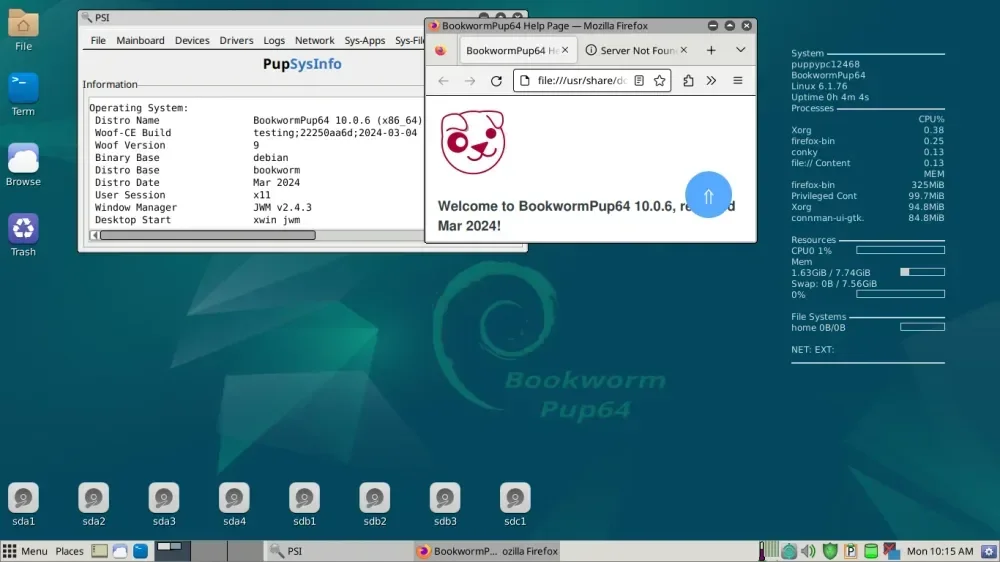
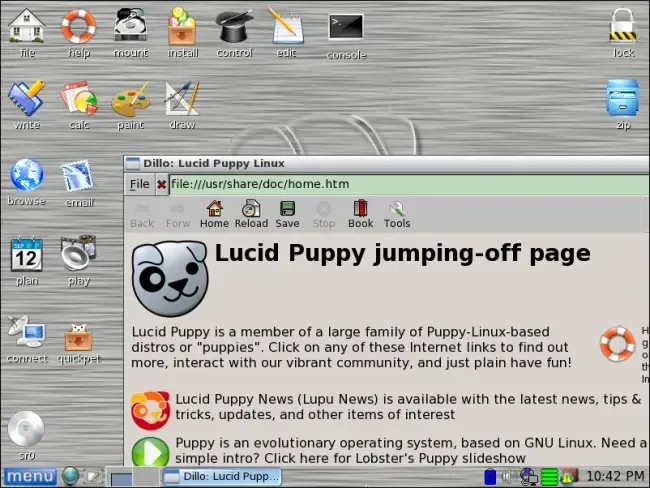
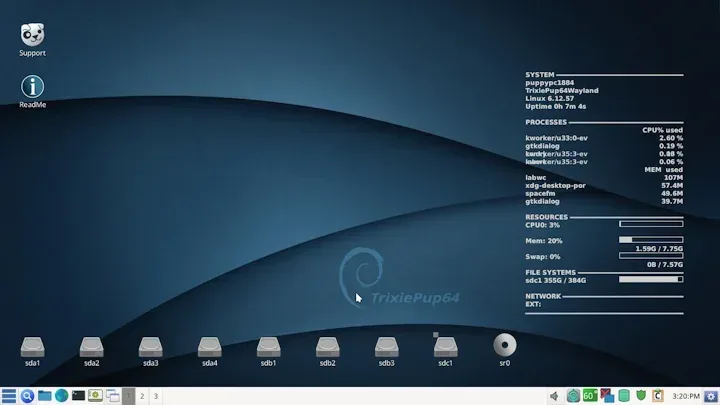
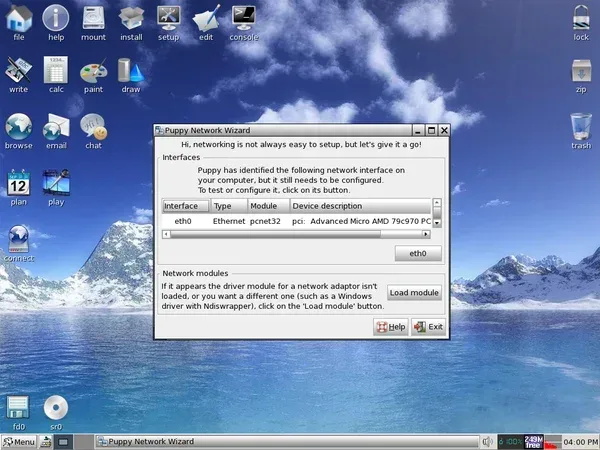
Puppy Linux is incredibly fast because it loads most of the OS into RAM.
RAM usage
- ~100–200 MB
Pros
- Blazing fast
- Runs great on old hardware
- Can run from USB
Cons
- Different structure than standard Linux
- Software management is unusual
Download: https://puppylinux.com
Tiny Core Linux (Ultra Minimal)
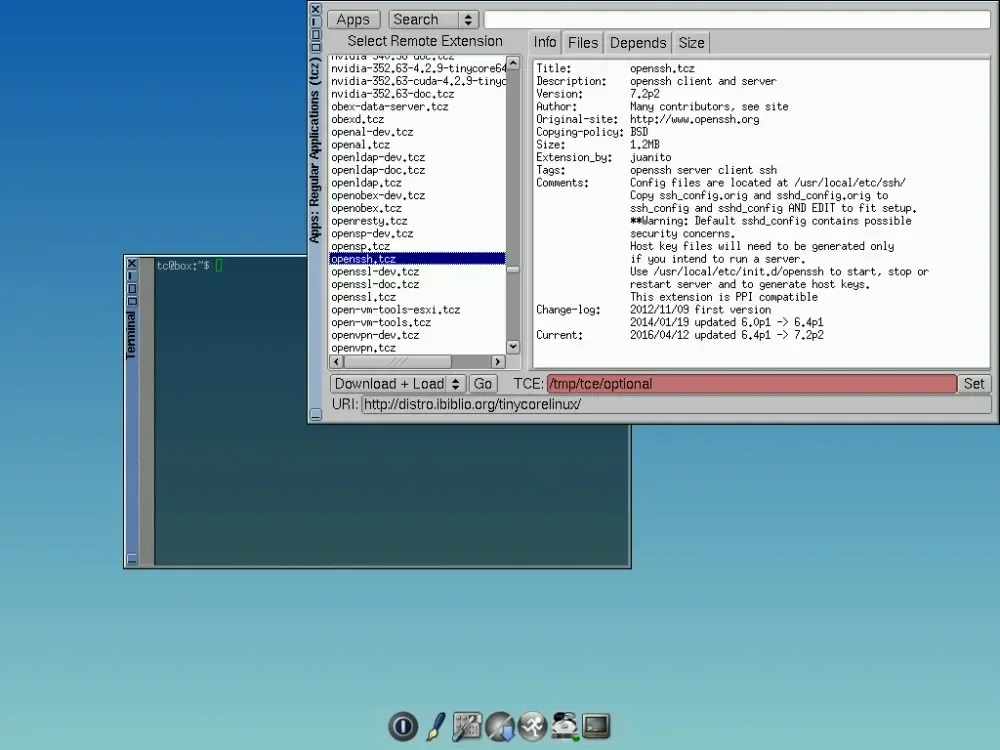
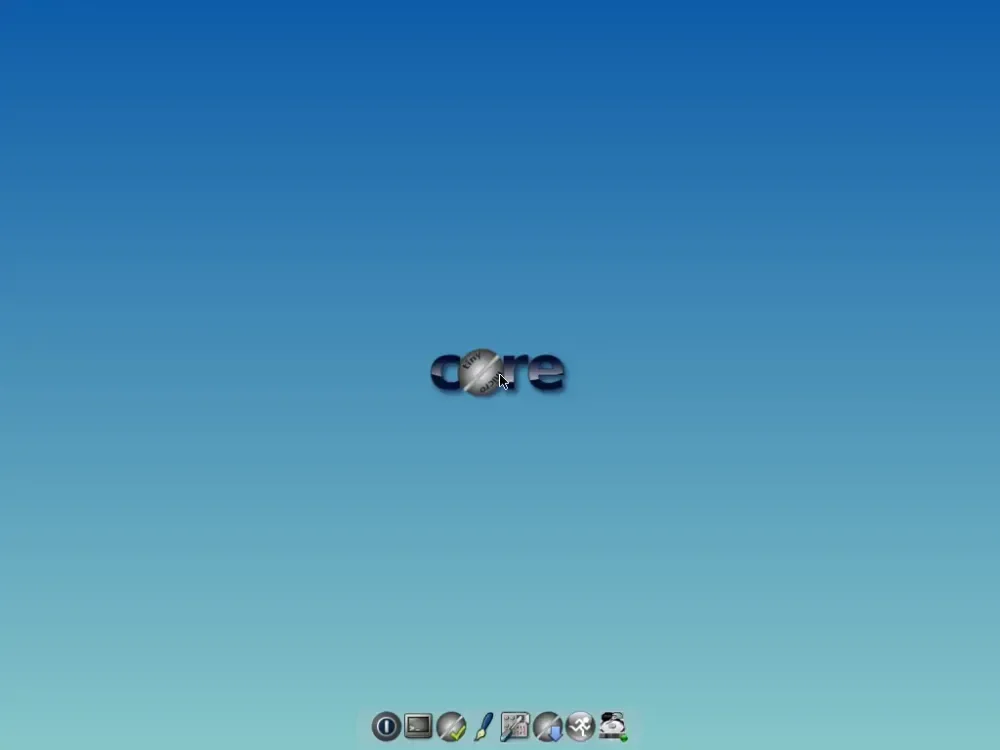
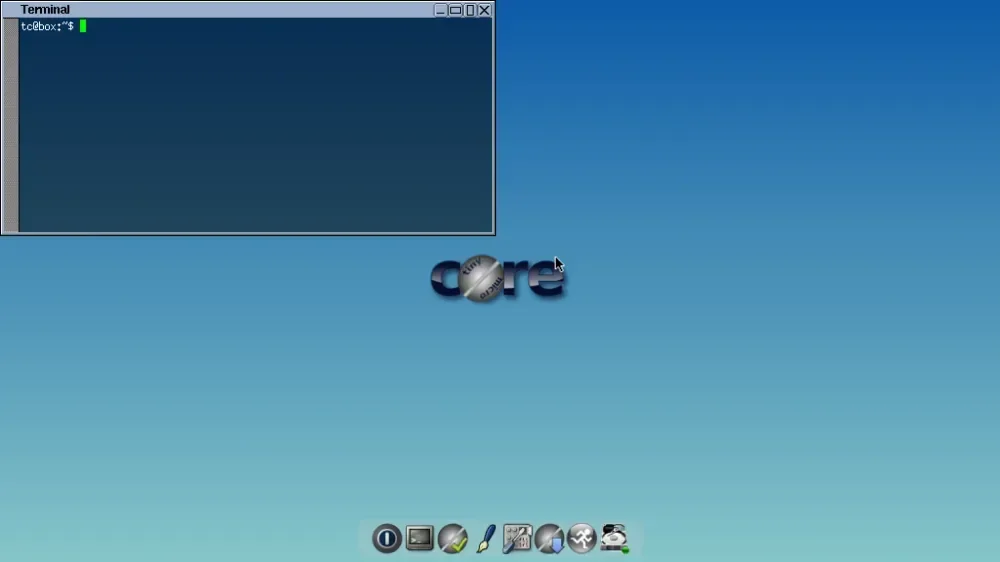
Tiny Core is extremely lightweight.
RAM usage
- ~50 MB
But it’s not beginner-friendly.
Pros
- Extremely fast
- Great learning environment
Cons
- Requires Linux knowledge
- Needs manual setup
Download: http://tinycorelinux.net
Recommended Choice for Your Laptop
For your hardware:
Best balance
- AntiX Linux (recommended)
- MX Linux XFCE
- Puppy Linux
If your goal is learning Linux, choose MX Linux or AntiX.
Fixing the Wi-Fi Problem (Common on Old Dell Laptops)
Your D430 usually has one of these:
- Broadcom BCM4311
- Broadcom BCM4312
- Intel PRO/Wireless 3945
Broadcom cards often need extra drivers.
Step 1 – Identify the Wi-Fi Card
Run:
lspci | grep -i networkExample output:
Broadcom BCM4311 802.11b/gor
Intel PRO/Wireless 3945ABGStep 2 – Install Driver
For Intel cards (easy)
Usually works automatically.
Install firmware:
sudo apt install firmware-iwlwifiFor Broadcom cards
Install:
sudo apt install firmware-b43-installerThen reboot.
If Wi-Fi Still Doesn't Work
Check if the hardware switch is off.
Old Dell laptops often have:
- Wi-Fi physical switch
- Fn + F2
Another Trick for Old Laptops
If Wi-Fi still fails, the easiest solution is a:
USB Wi-Fi adapter with Linux support
Chipsets that work perfectly:
- Atheros
- Realtek RTL8812AU
- Mediatek MT7601
These are about $8–$15.
Extra Tweaks to Make It Faster
Install lightweight programs:
Browser:
- Firefox ESR
- Pale Moon
- Midori
Office:
- AbiWord
- Gnumeric
File manager:
- PCManFM
Expected Performance
With AntiX or Puppy Linux, your laptop should:
- Boot in 20–40 seconds
- Use <200 MB RAM
- Feel 3–5× faster than Lubuntu
✅ My personal recommendation for your exact laptop:
AntiX Linux 23 (Full version)
It will feel like a completely different machine.
Kesimpulan ala 5W+1H
What: Distro Linux ringan untuk Dell Latitude D430. Who: Pemilik laptop lawas dengan RAM 2GB. When: Sekarang, saat OS bawaan sudah berat. Where: Diinstall di laptop atau USB. Why: Agar laptop tetap bermanfaat. How: Pilih AntiX/MX/Puppy, identifikasi Wi-Fi, install driver, dan nikmati performa baru.
🙌 Jangan takut coba-coba, Linux itu seru! Kalau ada kendala, tinggal cari solusinya di komunitas. Selamat bereksperimen!