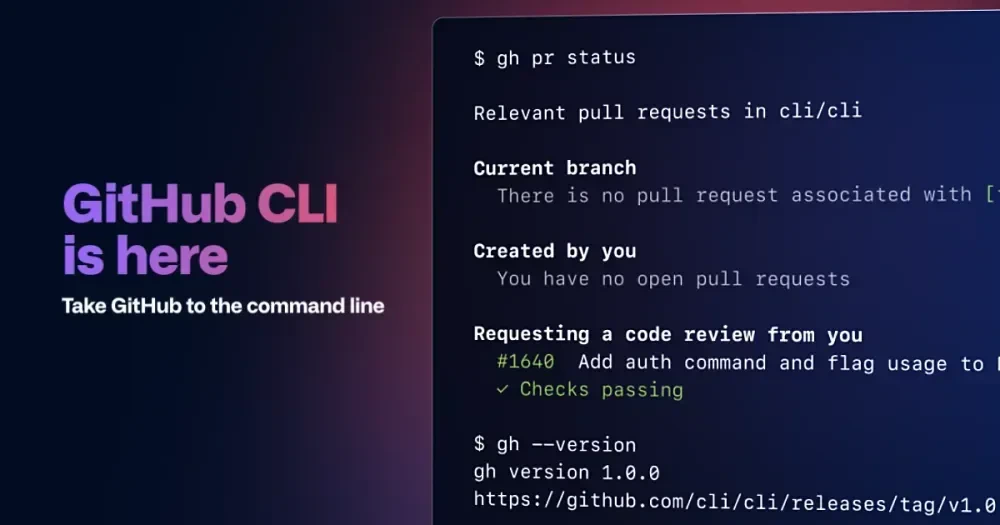
🔑 Login ke GitHub
Langkah pertama: autentikasi akun GitHub kamu via CLI. Bakal buka browser dapat buat approve.
gh auth login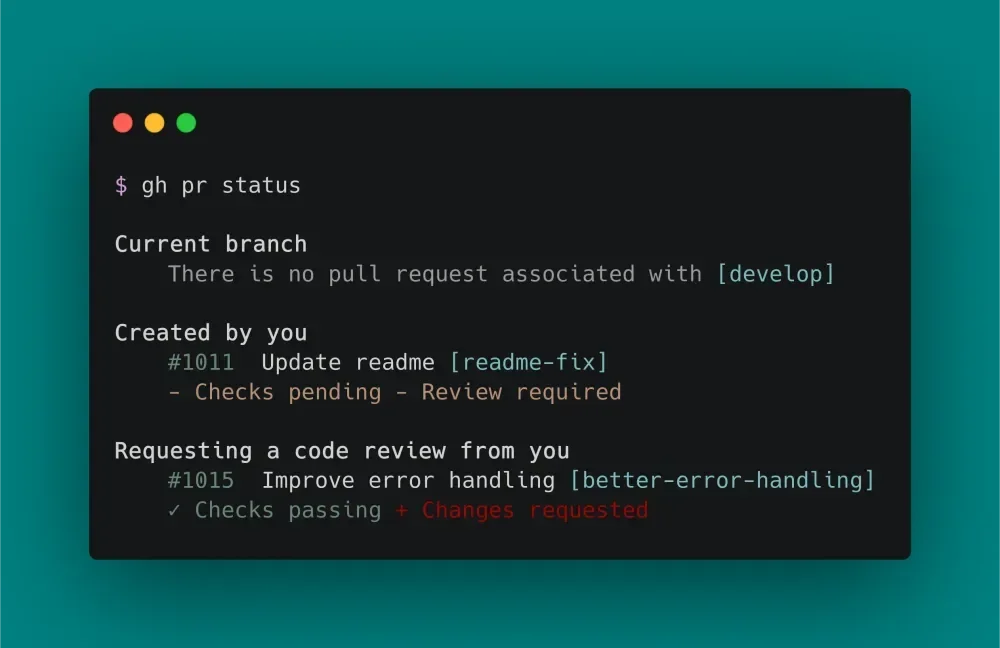
📥 Clone Repository
Unduh repo orang lain atau punya sendiri ke lokal dengan cepat.
gh repo clone username/repo📝 Commit & Push
Workflow dasar Git tetep dipake, tapi gh bisa bantu shortcut.
git add .
git commit -m "Pesan commit"
git push
🔀 Pull Request
Bikin PR langsung dari branch kamu tanpa buka web.
gh pr create --title "Judul PR" --body "Deskripsi detail"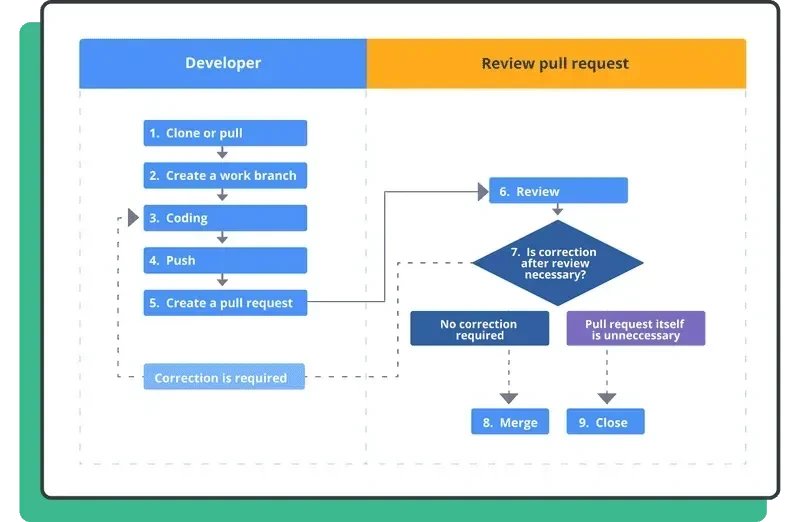
🌿 Branch
Bikin branch baru buat fitur tanpa ganggu main.
git checkout -b nama-branch-baru🐛 Issue
Lapor bug atau request fitur langsung dari terminal.
gh issue create --title "Judul Issue" --body "Deskripsi lengkap"🔱 Fork Repository
Fork repo orang lain sekaligus clone ke lokal.
gh repo fork username/repo --clone=true🔄 Merge Branch
Gabung branch fitur ke main setelah review.
git checkout main
git merge nama-branch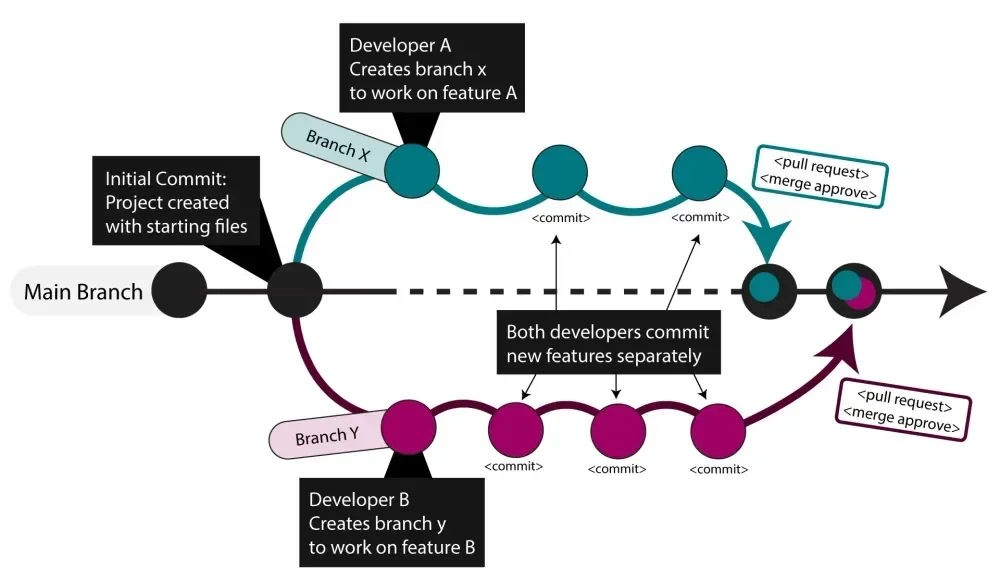
📦 Release
Bikin tag release baru plus upload asset.
gh release create v1.0.0 file.zip --title "Version 1.0.0"⭐ Watch & Star
Pantau update repo dan beri star biar support author.
gh repo watch username/repo
gh repo star username/repo
🎁 Tips Bonus GitHub CLI
- Install dulu:
brew install gh(Mac) atau cek docs resmi. - List PR:
gh pr list– Lihat semua PR di repo. - Checkout PR:
gh pr checkout 123– Langsung switch ke branch PR orang. - View repo di browser:
gh repo view --web🔥
Selesai panduannya bro! Sekarang coba install gh kalau belum, lalu praktekkin command-command ini di project kamu. Workflow bakal jauh lebih cepat. Kalau ada command favorit kamu yang kurang, komentar di bawah . Happy coding, may the forks be with you! 🐙✨